SpaceSniffer

SpaceSniffer is a free, portable disk space analyzer for Windows that shows folders and files as a treemap sized by how much space they use.
Version: 2.2.0.27| Developer | Uderzo Software |
|---|---|
| Version | 2.2.0.27 |
| License | Freeware |
| Operating system | Windows |
| Interface languages | English |
| File size | 2.9 MB |
| Ads / bundled offers | None |
| Last updated | 2026-11-05 |
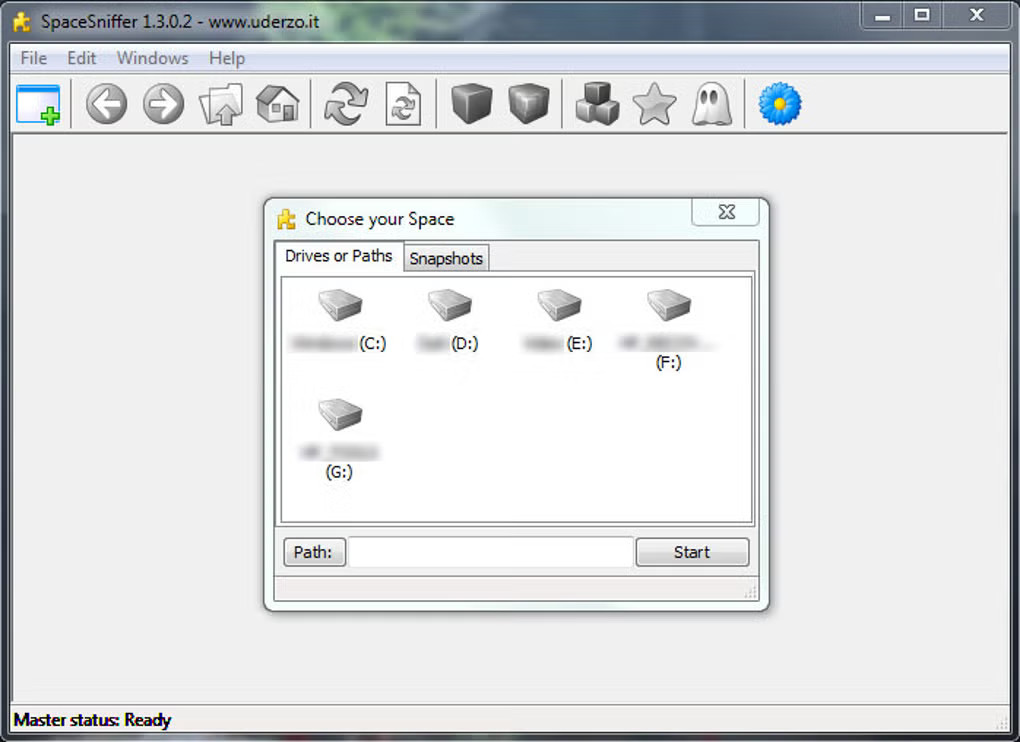
SpaceSniffer is a free disk space analyzer from the Italian developer Uderzo Software. When you scan a drive or folder, it draws every folder and file as a rectangle whose area matches its size—a layout called a treemap. The bigger the rectangle, the more space it takes, so you can see where your storage has gone without opening folders one by one.
It suits anyone whose C: drive is suddenly running out of space, or who wants to pick out large files before cleaning an external disk. Because it is portable and needs no installation, you can carry it on a USB stick and run it on any PC. On the other hand, the interface is English-only and it runs only on 64-bit Windows, so users who need a localized interface or still run 32-bit Windows should look elsewhere.
Scan results appear as rectangles proportional to size. A single click on a rectangle reveals the subfolders and files inside it, and a double click zooms that folder to fill the whole view. Following the largest blocks quickly leads you to whatever is eating your disk space.
Type a condition in the filter box and the view keeps only matching files. You can filter by extension (*.jpg), size (>1mb) or age (>2years), combine conditions with semicolons such as *.jpg;>1mb;<3months, and prefix a condition with | to exclude it instead.
Hover over a file and press Ctrl+1 or a related shortcut to tag it red, yellow, green or blue. Tags work as filters too: :red shows only red-tagged files and |:red hides them. This makes it easy to mark what to delete and what to keep during a cleanup.
SpaceSniffer watches the file system during and after a scan and updates the view when files change. If you delete or move files in another program, the treemap refreshes right away so you can see the result. The change detector can be switched off if you prefer.
The built-in Export Module saves scan results as a text report whose layout you can customize. You can also save a scan as a snapshot file and load it again later for comparison.
With a treemap, flexible filters, color tags and report export, SpaceSniffer covers everything a disk usage analysis needs. Its filter syntax, which can mix size, date, extension and tag conditions, is a particular strength.
Picking a drive and pressing Start produces a result immediately, so getting started is easy. The menus and help are English-only, though, and the filter syntax takes a few minutes to learn.
It runs straight from an extracted folder without an installer, leaves little behind on the system, and contains no ads or bundled software. The developer stopped packing the executable with UPX to avoid false antivirus alerts, and version 2.2.0.27 (March 2026) continued the stability fixes.
| Operating system | Windows |
|---|---|
| Requirements | Not stated by the developer |
Yes. SpaceSniffer is freeware, and donations to the developer are optional.
No. Extract the ZIP file and run SpaceSniffer.exe; it works without installation.
Yes. Since version 2.0 it is a 64-bit program with high-DPI support for Windows 10 and 11. It does not run on 32-bit Windows.
Yes, use the filter box. For example, *.mp4;>500mb leaves only MP4 files larger than 500 MB in the view.
The copy on the official website is freeware with no ads or bundled software. The developer asks users to download from the official page rather than from third-party mirrors.
SpaceSniffer is an easy recommendation for Windows users who want to see at a glance where their disk space goes. Its intuitive treemap, flexible filters and no-install portability earn it our editor rating of 5 out of 5.
Editor rating 5/5

 English
 한국어
 日本語
 Deutsch
 Français
 Español
 Italiano
 Nederlands
 Svenska
 Dansk
 Norsk