Inkscape
Inkscape is a free, open-source vector graphics editor for Windows, macOS and Linux that uses SVG as its native file format.
Version: 1.4.4| Developer | Inkscape Project |
|---|---|
| Version | 1.4.4 |
| License | Open source (GPL-2.0) |
| Operating system | Windows, macOS, Linux |
| Interface languages | English, Korean, Japanese, German, French |
| File size | 113.0 MB |
| Ads / bundled offers | None |
| Last updated | 2026-11-05 |
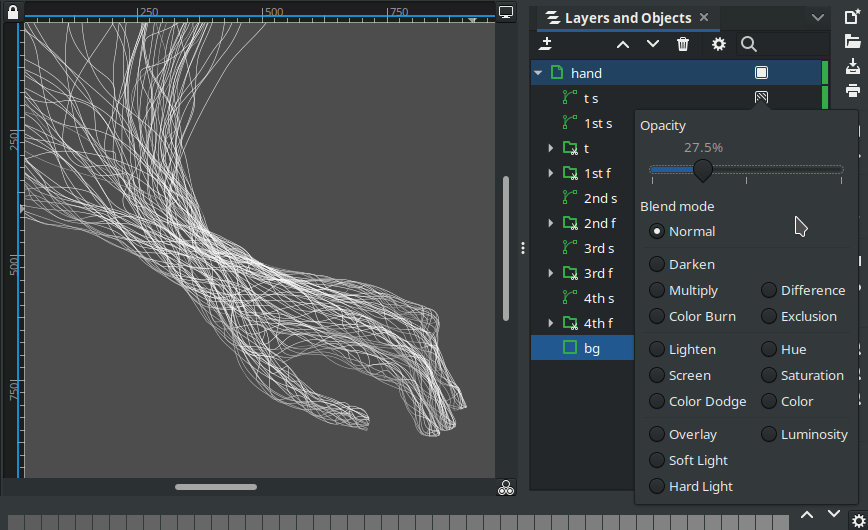
Inkscape is a free, open-source vector graphics editor developed by the Inkscape Project under the GPL license. Vector graphics store drawings as mathematically defined points, lines and curves, so they stay sharp at any zoom level—ideal for logos and icons that must work at many sizes. Inkscape saves in SVG (Scalable Vector Graphics), the web-standard vector format, and offers the same feature set on Windows, macOS and Linux. The current release, 1.4.4, is a maintenance update published in May 2026.
It is a natural fit for anyone who wants to produce logos, icons, posters, diagrams or laser-cutting templates without paying for Adobe Illustrator, and it is especially valuable to students, nonprofits and small businesses for whom subscriptions are a burden. CMYK support for commercial printing is limited, however, and its menus and shortcuts differ from Illustrator's, so print-centric workflows or teams that exchange native Adobe files may find it less convenient.
Bézier curves—curves shaped by control handles—and shape tools for rectangles, ellipses and stars handle the drawing, while the node tool refines each point and segment of a path. Version 1.4.4 added a button that sets stars and polygons upright.
Clicking or dragging over overlapping shapes merges or removes regions to build new shapes. This makes union and difference operations far more intuitive than menu commands, and since 1.4 it can also clip bitmap images.
Introduced in 1.4, the Filter Gallery groups SVG filters such as blurs, shadows and textures into categories with previews and search. Effects can be picked and applied straight from the list.
The Swatches dialog lets you choose palettes from a dropdown and search for colors. It reads Adobe Color Book and Adobe Swatch Exchange files, and 1.4.4 added a new default palette.
Besides SVG, drawings export to PDF, PNG, EPS and more, and PDF export keeps internal links. Since 1.4 Inkscape can import Affinity Designer (.afdesign) and CGM files; Affinity import is a best-effort implementation built without official format documentation.
An Extension Gallery makes it easy to find and install add-ons, and the command line can batch-convert many files. New templates such as folding booklets and modular grids are also included.
Drawing, path operations, filters, text, multipage documents and broad import/export give Inkscape the widest vector feature set among free applications. Its main gaps compared with commercial tools are the CMYK print workflow and some advanced typography.
The interface is translated into many languages and built-in tutorials are included, but the sheer number of tools and dialogs takes time to learn. Illustrator users will need an adjustment period because shortcuts and menu layout differ.
As an open-source project it carries no ads, bundles or upsells. Maintenance is steady—1.4.4 fixed 20 crashes and more than 25 other bugs—though the official 1.4 release notes warn that GTK4 preparation work may reduce performance, most notably on Windows.
| Operating system | Windows, macOS, Linux |
|---|---|
| Requirements | Windows 8.1 or later (64-bit) |
Yes. Inkscape is free, open-source software under the GPL, and the artwork you create with it belongs to you, including for commercial projects.
Yes. Trace Bitmap in the Path menu converts PNG or JPG images into vector paths, and it works best on simple logos and scans with clean edges and few colors.
Current 1.4 releases do not. The Windows version requires 64-bit Windows 8.1 or later, and installers for Windows on ARM are available starting with 1.4.4.
Yes. Saving as SVG, Inkscape's native format, or as PDF produces files that Illustrator and most other graphics programs can open.
For most logo, icon and illustration work, yes. It covers the core vector tools at no cost, while Illustrator remains stronger for CMYK print production and Adobe ecosystem integration.
Inkscape is the first free vector graphics editor to recommend to anyone creating logos, icons or illustrations without a paid subscription. Its broad feature set, open SVG-based design, cross-platform support and steady maintenance earn it our editor rating of 5 out of 5.
Editor rating 5/5